
Trading Tools
Learn about specialized tools traders may use to make trading decisions.
Trading Tools content
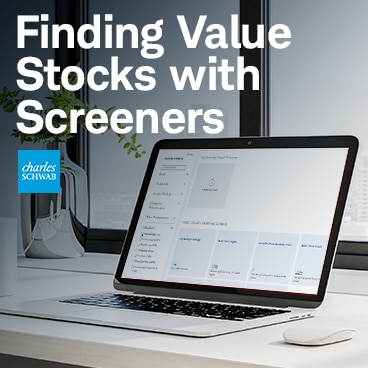
The Stock Screener on schwab.com is a tool for finding stocks that meet specific criteria, including value stocks. Learn how to use it to find stocks that meet your own criteria.
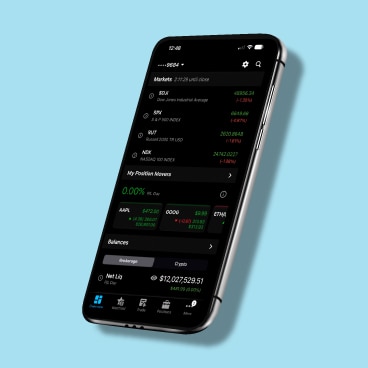
Learn how to navigate and place trades on the thinkorswim® mobile app for iPhone.

Learn how three options statistics on thinkorswim—implied and historical volatility, the Sizzle Index, and the put/call ratio—can help traders make more informed decisions.
Flipping among charts, analyses and your watchlists can get tiresome—and it can slow you down. Adding a second monitor could make your trading a little easier.

Learn how to trade futures on the thinkorswim mobile app.

Learn how options greeks can help you evaluate the risks and rewards of options contracts.
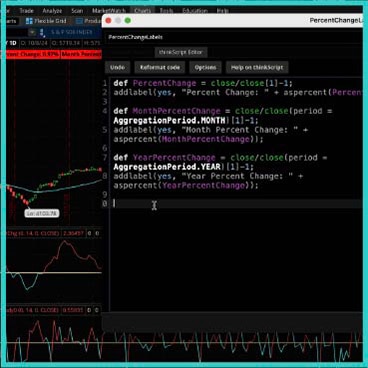
thinkScript® is a built-in programming language on the thinkorswim® platform that allows you to create your own analysis tools, studies, watchlist columns, scans, and orders.

Trading Up Close
Learn about what a bull trap is and why they show up during bear markets.

Learn how to use your favorite features and functions of StreetSmart Edge® on the thinkorswim® platform.